
Customizing Watermarks with RepostUp: A Comprehensive Guide
In the world of social media, having a distinctive presence is key. One of the best ways to establish your brand is through the use of watermarking your content. RepostUp watermark customization allows you to create unique watermarks that not only protect your content but also enhance your brand visibility. In this article, we will delve deep into the importance of watermarking, the features offered by RepostUp for watermark customization, and some best practices to keep in mind while designing your watermark.
The Importance of Watermarks in Social Media
Watermarking is essential, especially if you are a content creator or brand looking to maintain ownership of your content. Social media platforms are saturated with reposted content, and without a watermark, it is easy for someone else to take credit for your work. By adding a watermark, you not only deter theft but also create an additional layer of recognition for your brand. Moreover, watermarks can serve as a marketing tool; when users share your content, they also inadvertently promote your brand.
Understanding RepostUp Watermark Customization
RepostUp is a popular tool for content creators who want to efficiently share posts from Instagram and other social media platforms while ensuring that their branding remains intact. One of the standout features of RepostUp is its watermark customization feature. This allows you to easily add, modify, and optimize your watermark according to your needs.
Key Features of Watermark Customization in RepostUp
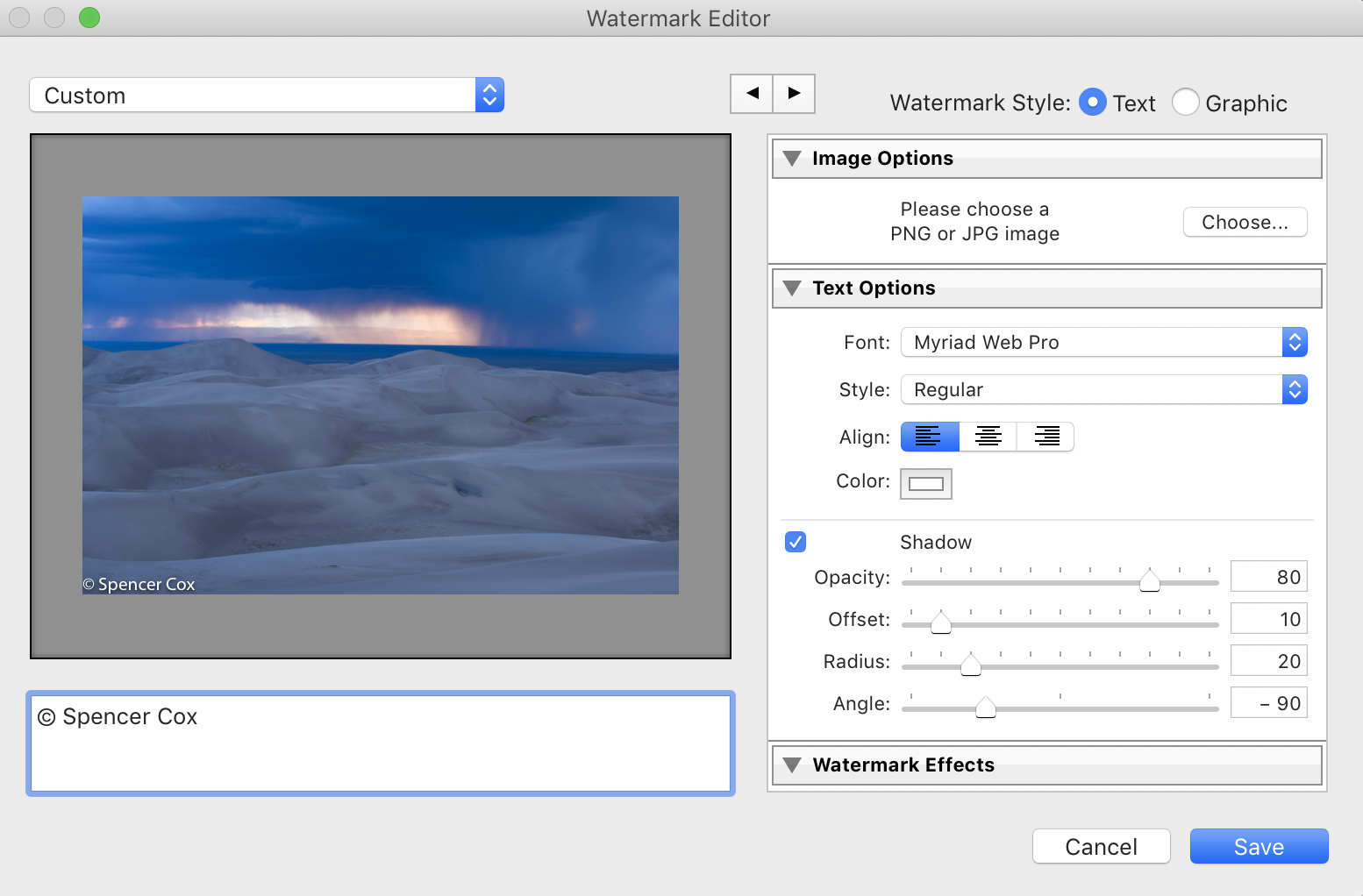
- Text Customization: You can enter your brand name or any text you’d like to appear on the watermark. This can help in establishing recognition among your audience.
- Font Styles: RepostUp offers a variety of font styles to choose from. This gives an opportunity to align the text style with your brand image.
- Color Selection: Choosing the right color is crucial for visibility. RepostUp lets you select colors that complement your content while ensuring the watermark stands out.
- Size and Position: The size and placement of the watermark can significantly affect how it’s perceived. RepostUp allows you to adjust the size and choose where you want the watermark to appear on the image or video.
- Transparency Options: A good watermark should balance between being visible and not overpowering the original content. You can set the transparency level in RepostUp to achieve this optimal balance.
Best Practices for Designing Your Watermark
Although RepostUp provides a rich suite of customization tools, it is crucial to follow some best practices when designing your watermark. Here are a few tips:
- Keep It Simple: A cluttered watermark can distract from your content. Aim for a clean and minimalistic design that effectively communicates your brand name.
- Use High-Quality Graphics: If your watermark includes a logo or any graphic elements, make sure they are high resolution. Blurry graphics can reflect poorly on your brand.
- Test Different Variations: Experiment with different fonts, colors, and placements. Try to approach it from your audience’s perspective to see what stands out.
- Stay Consistent: Make sure to keep your watermark consistent across all your posts. This not only solidifies your branding but also helps in building recognition.
- Evaluate Placement: The position of the watermark should not obscure key elements of your content. Test how it looks on various devices to make sure it’s effective everywhere.
Implementing Your Watermark with RepostUp
Once you’ve designed your watermark, implementing it through RepostUp is a straightforward process. After logging into the app, navigate to the watermark settings where you can start customizing your options. When you’ve got it just right, save your settings and apply the watermark to your reposts. This ensures that every time you share content, your watermark is automatically included.
Automation Features to Save Time
Another advantage of using RepostUp is its automation features. Once you have your watermark set, you can automate the reposting process, allowing your content to be shared efficiently while ensuring that the watermark is always applied. This not only saves time but also maintains consistency across all your social media channels.

Conclusion
In a digital landscape where content can be easily copied, watermarking is an essential practice for anyone looking to protect their work and boost their brand visibility. The RepostUp watermark customization tool offers various features that make it easy to create a watermark that reflects your brand identity. By following the best practices outlined in this article, you can design a watermark that effectively communicates your brand while ensuring that your content remains uniquely yours. Start watermarking today to secure your content and enhance your brand presence in the social media arena!